Beat last session.
Setz is a progressive overload workout tracker that keeps the last comparable set beside the one in front of you. Add a rep, add weight, or match the work—without guessing.
Free core logging No account Local-first on iPhone
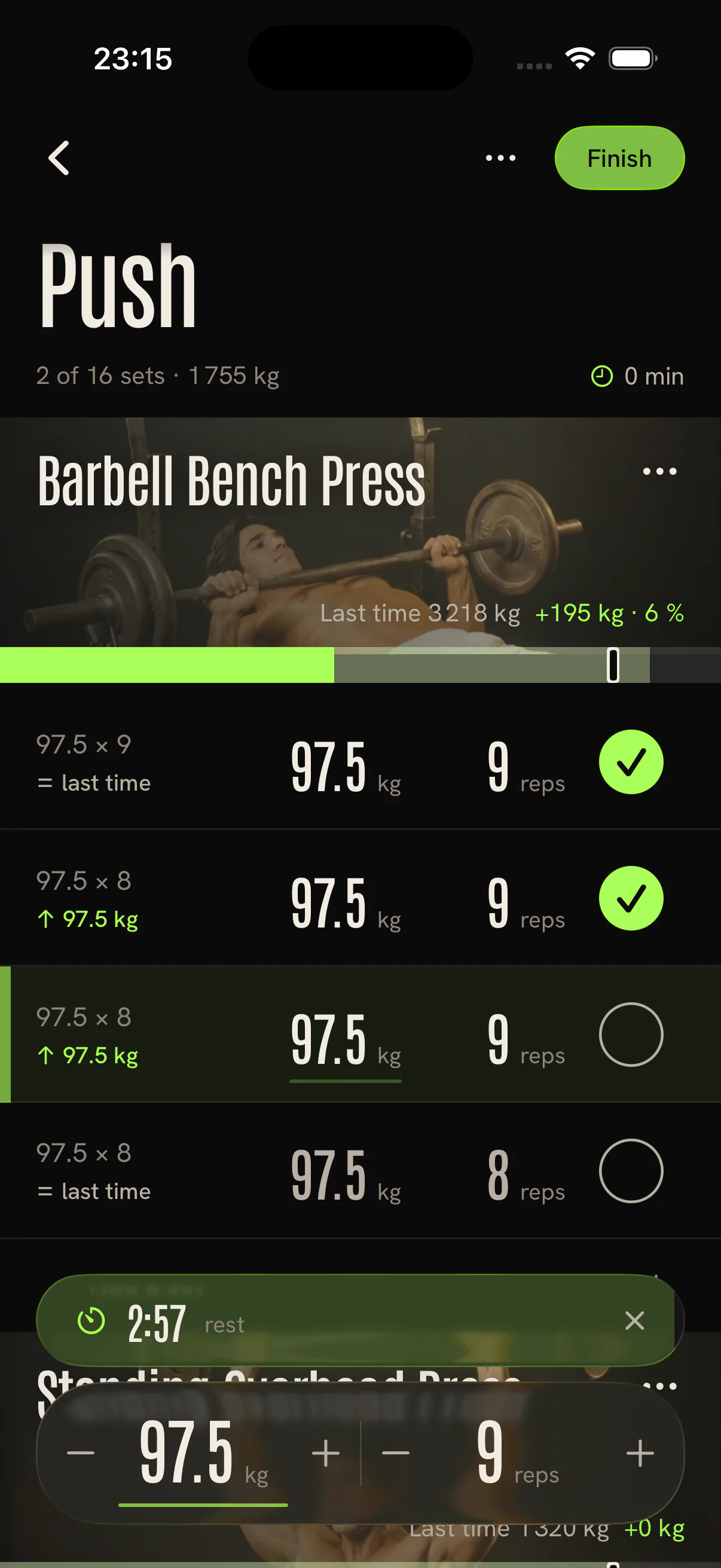
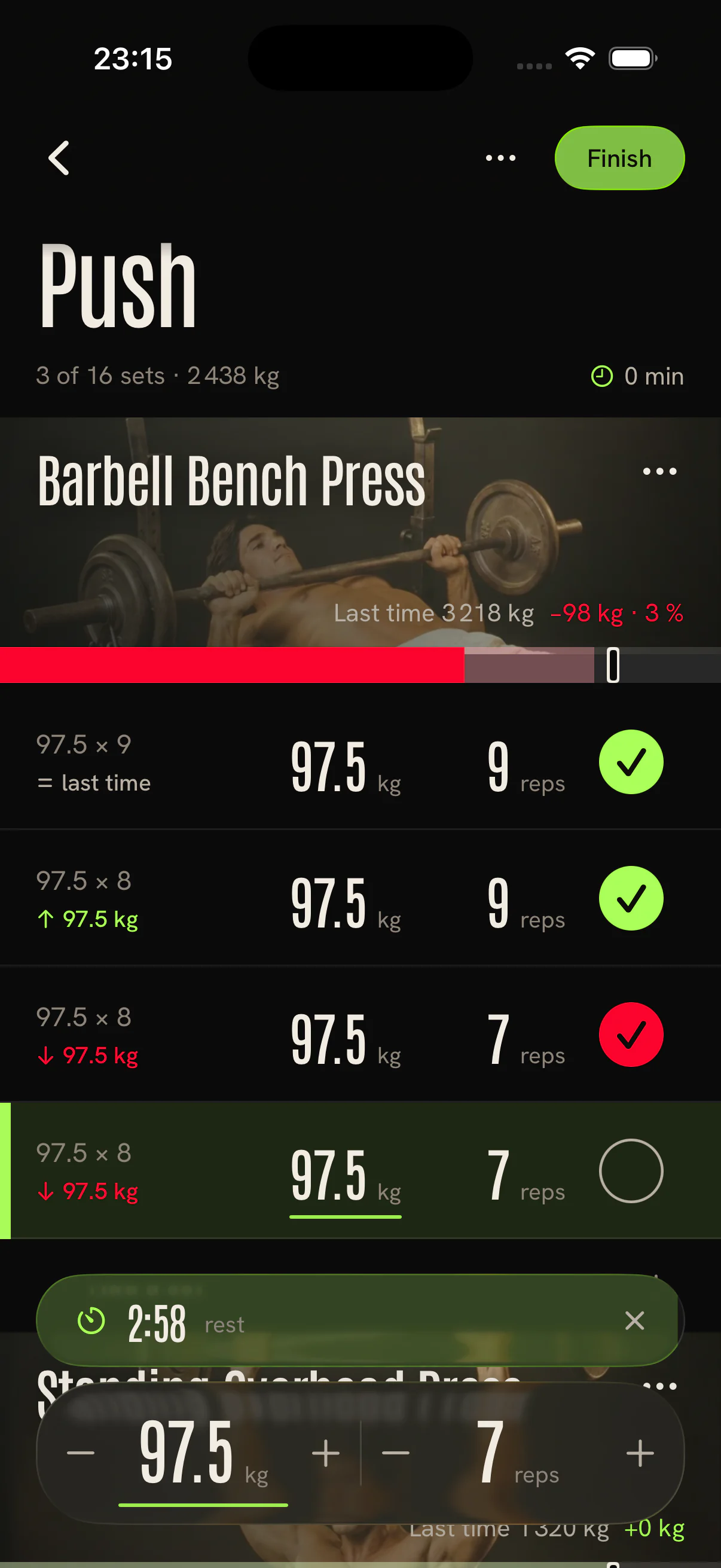
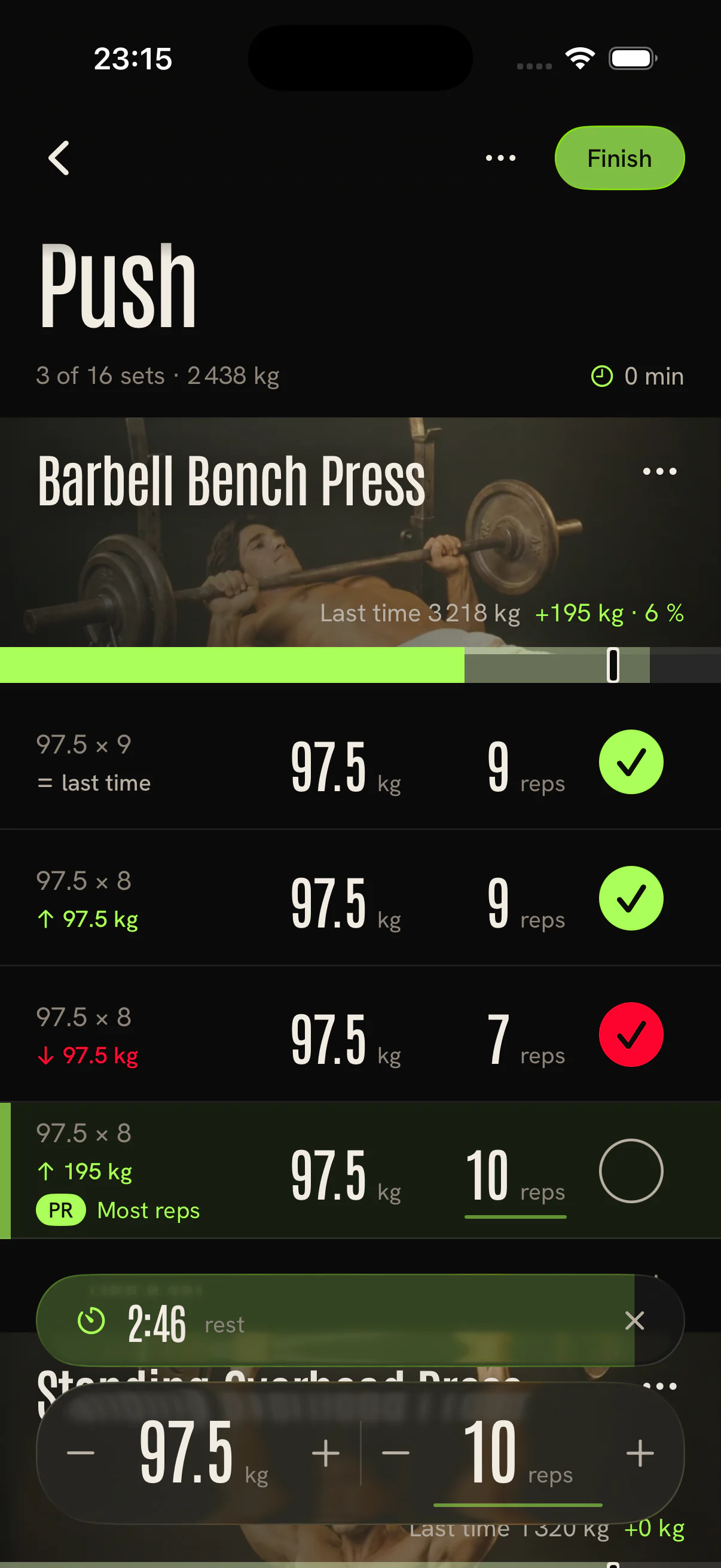
Setz is a progressive overload workout tracker that keeps the last comparable set beside the one in front of you. Add a rep, add weight, or match the work—without guessing.
Free core logging No account Local-first on iPhone
Your old numbers should not live in Notes, screenshots, or memory. Setz turns weight and reps into a clear comparison before you rack the bar.
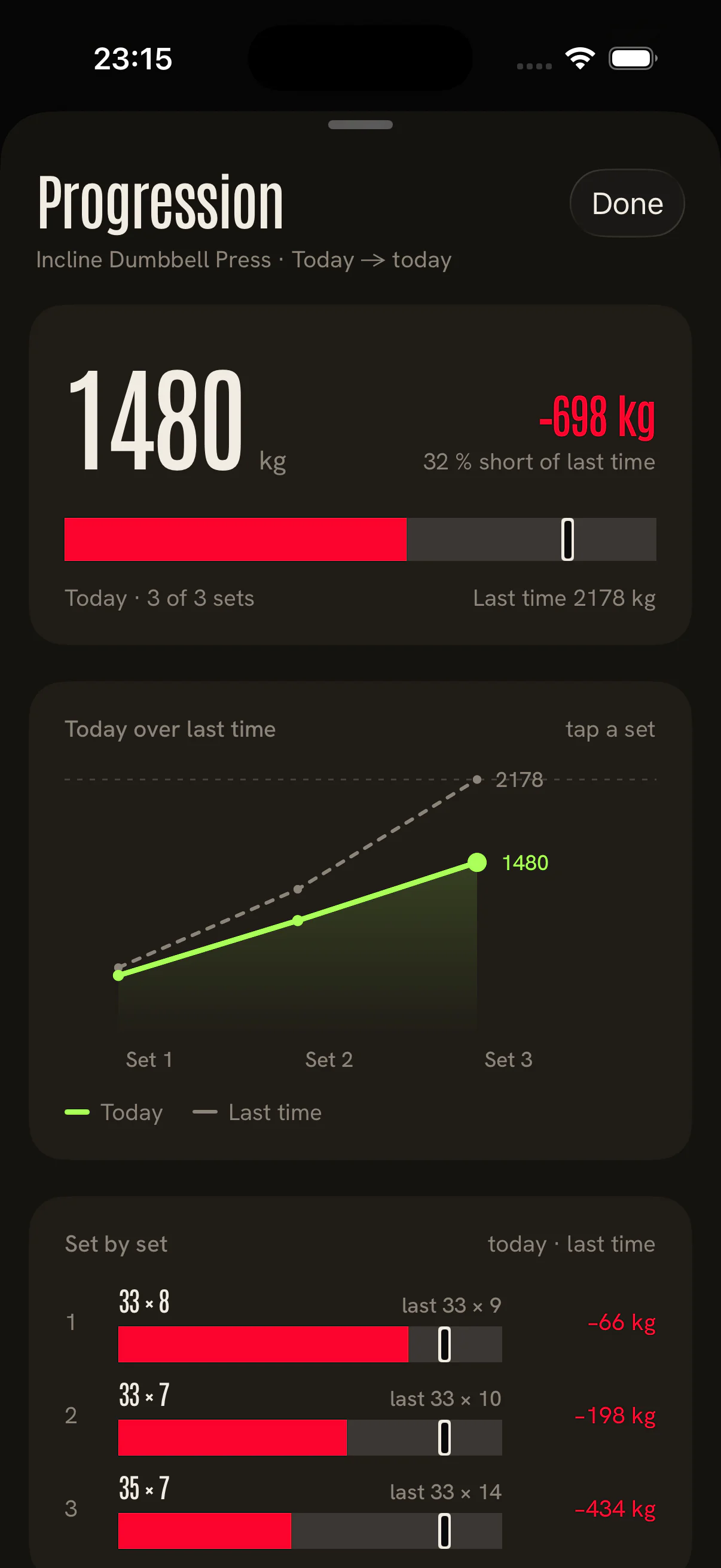
Setz compares completed volume set by set. It shows when you are ahead—and when the work fell short—then keeps the next target clear.
Watch the logger: one lift, two visits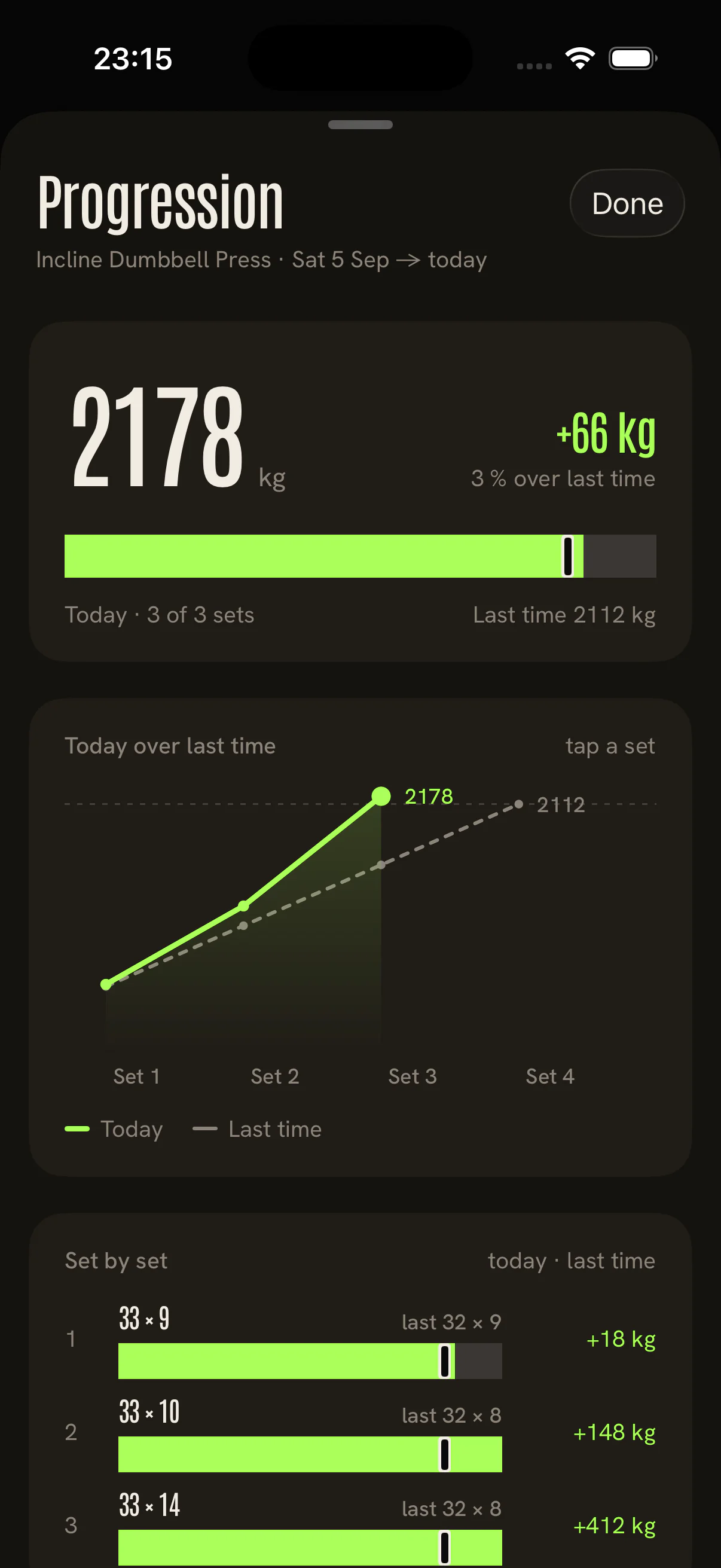
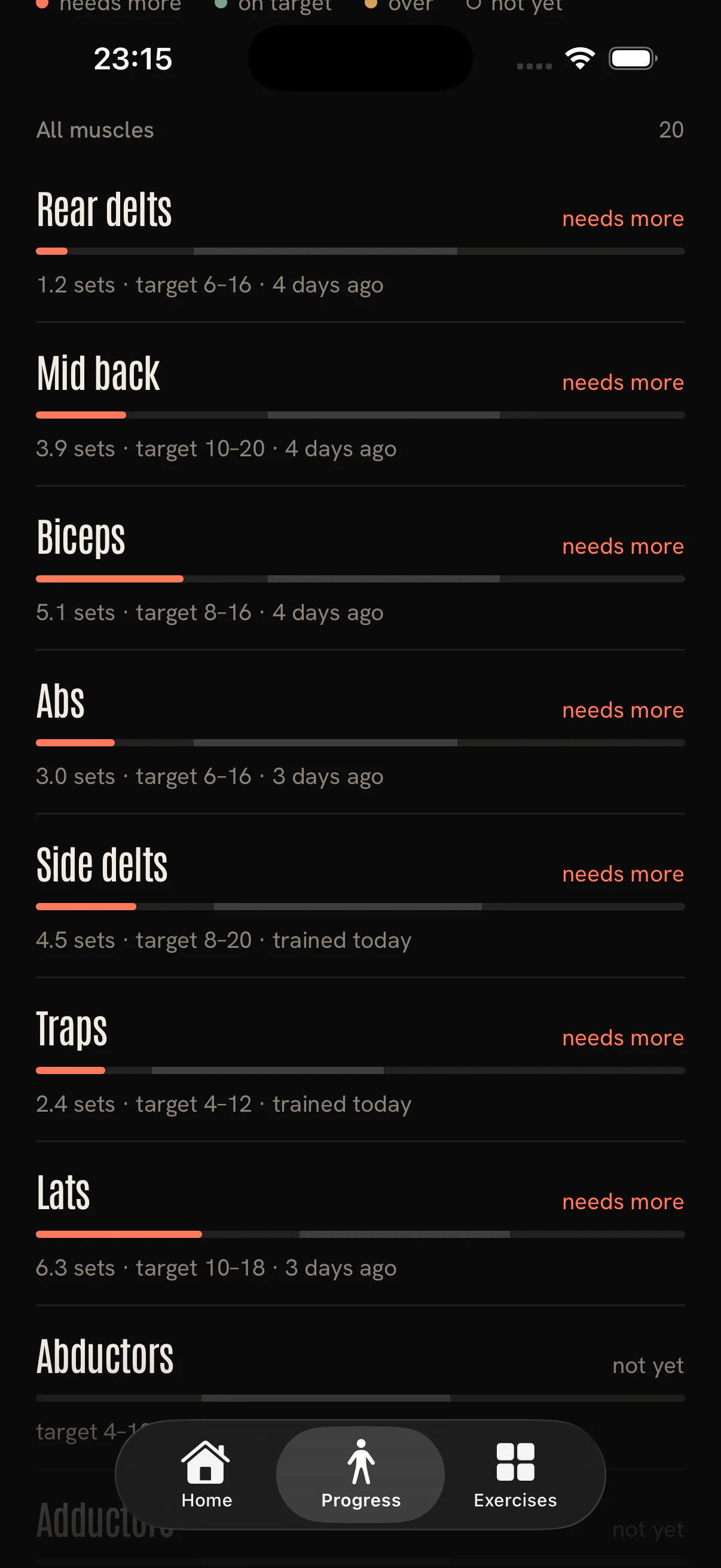
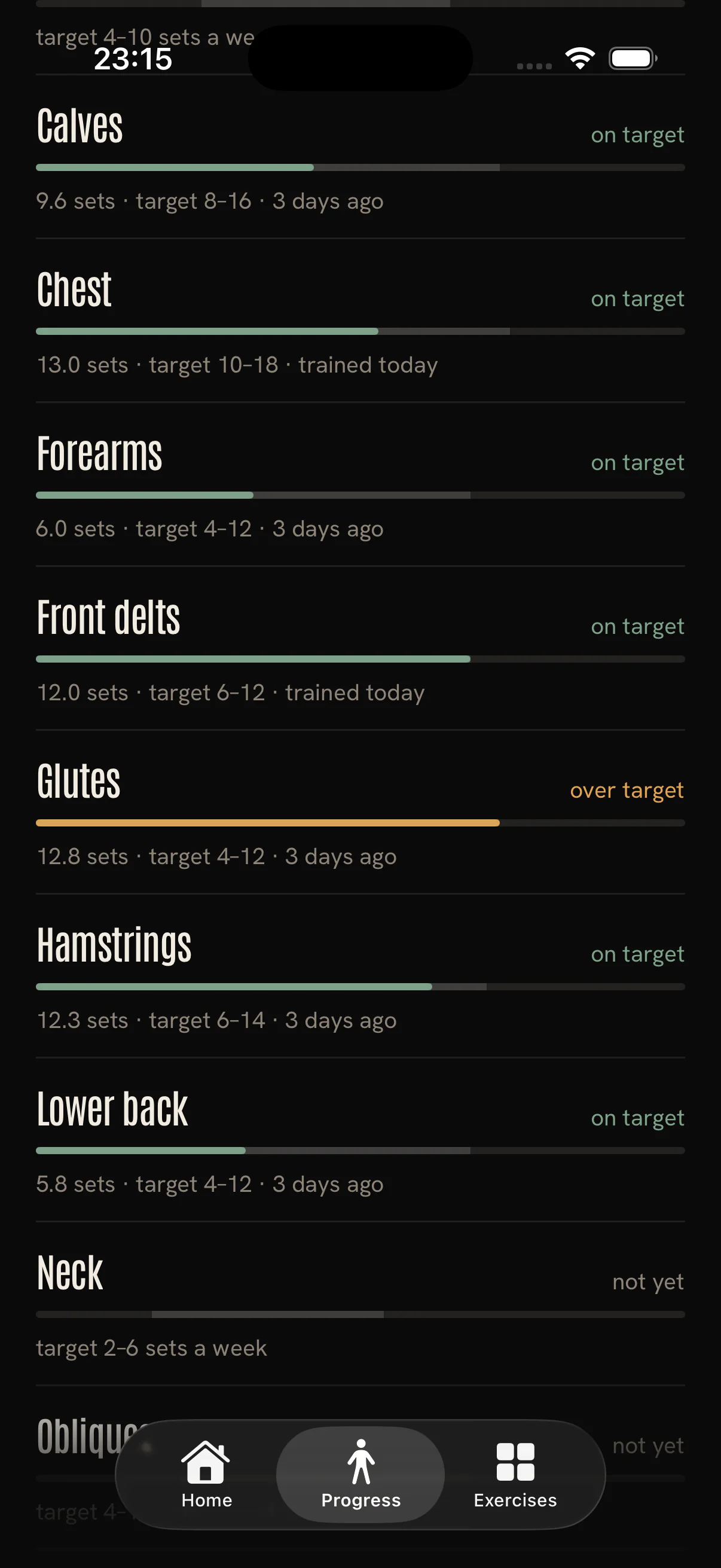
The seven-day muscle view compares your logged sets with your selected weekly targets. It is a training-volume guide, not a recovery or overtraining assessment.
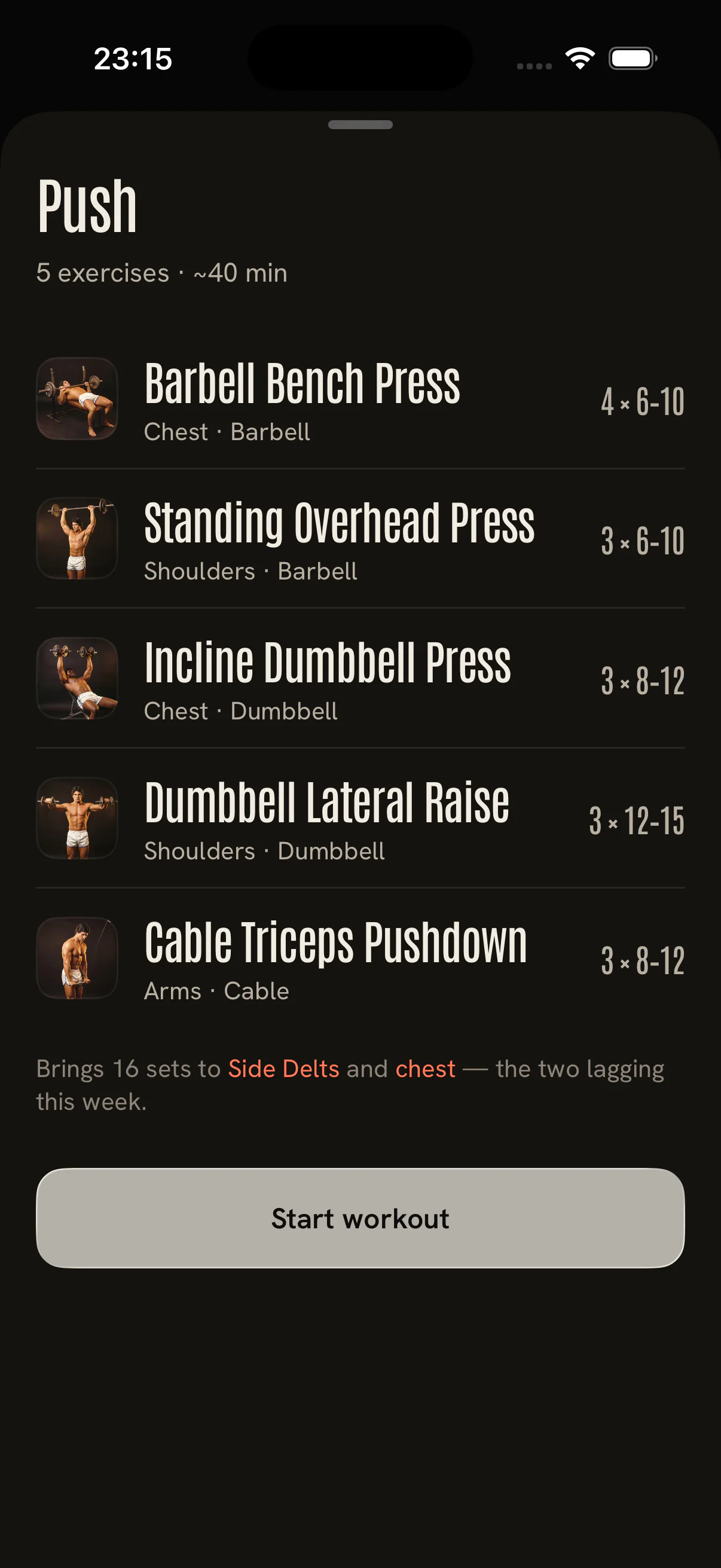
Choose a ready-made workout or build your own. Edit every set and rep range, then start lifting without creating an account.
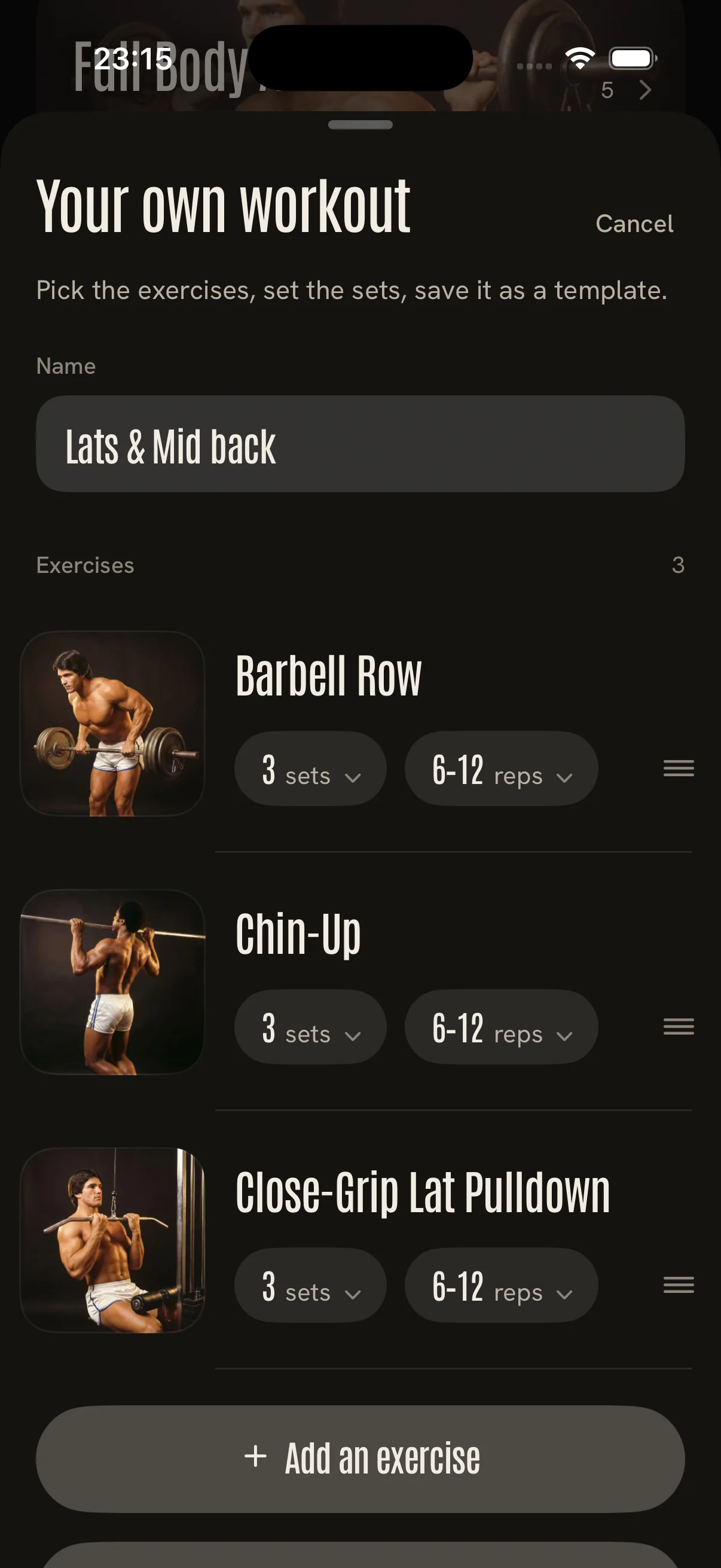
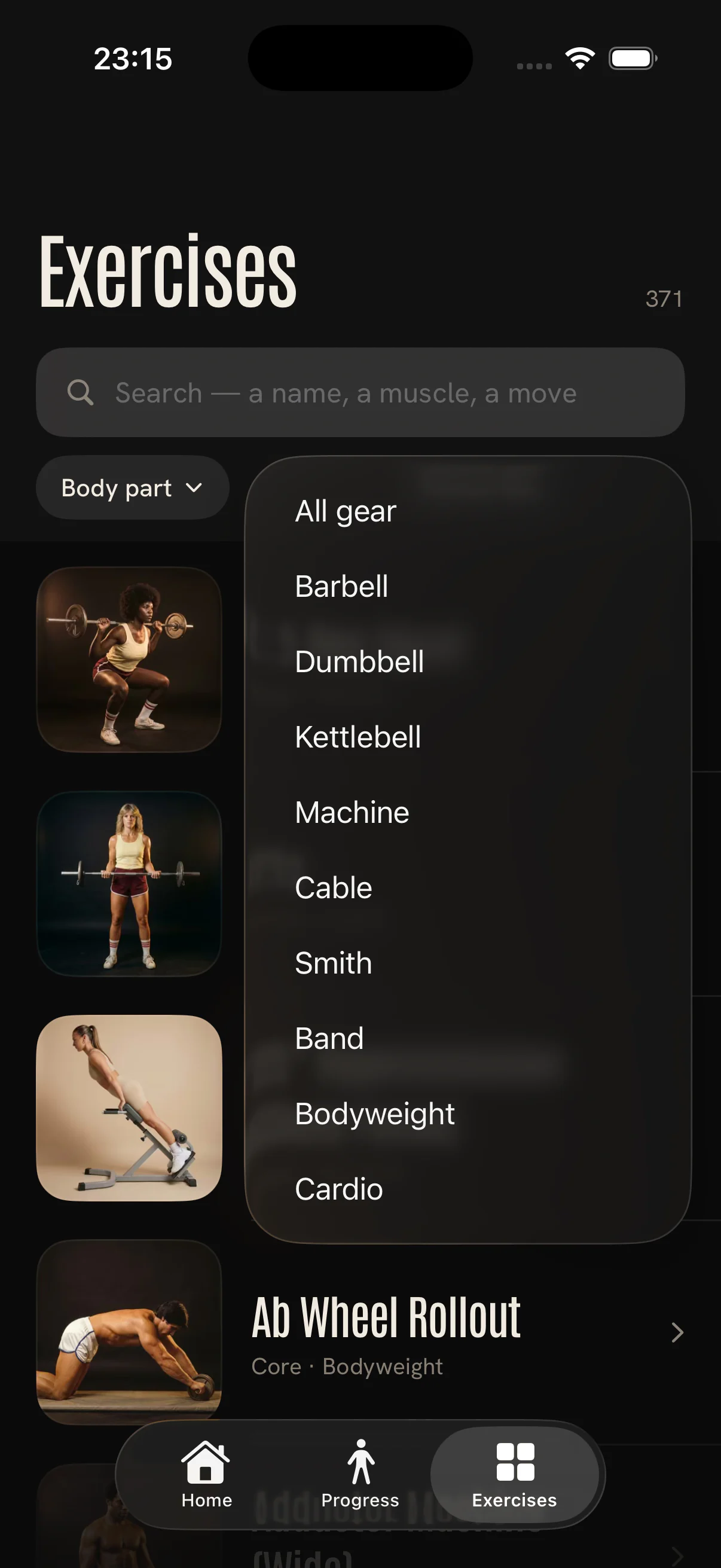
Plans and workout history stay in this browser. Share the workout, not your private history.
Learn when to add weight, when to add one clean rep, and when matching last time is the smarter session.
No account to maintain. Your detailed iPhone workout entries stay local to your phone.
How Setz protects your dataA progressive overload tracker records weight, reps, and completed work, then shows the last comparable set so you know what to beat today. Setz does that during the set, not only in a chart after the workout.
Record each working set with the exercise, weight, and reps. Compare the same movement with your last session, then check exercise totals and weekly muscle-group volume instead of relying on memory.
No. A notes app stores numbers. Setz puts last time beside this set, shows whether the work is ahead, matched, or under, and connects the result to the lift, workout, and week.
No. The iPhone app works without an account, and detailed workout entries stay on your phone. You can also build a split and log a workout in the browser.
Yes. Start with a guided split, repeat a saved workout, build your own, or add an exercise while the session is running. History stays with the lift.
Yes. Download Setz: Workout Tracker Gym Log from the App Store. Core workout logging is free; optional Plus adds more room for saved workouts and plans. Check the App Store and in-app offer for local pricing and trial eligibility.
Open Setz, choose the workout, and know exactly what you are trying to beat.